Same brains, different body. Here's the one difference that actually decides it — and who each printer is really for.
Disclosure: ReviewsTrusted may earn commissions from qualifying purchases made through links on this page. Our opinions remain independent and based on our research and evaluation process. Learn more.
Bambu Lab's A1 and A1 mini are two of the most recommended beginner 3D printers in India right now, and they cause a lot of confusion — because on the inside they're almost the same machine. They share the same automatic calibration, the same fast and quiet printing, the same multi-colour upgrade and the same clean results out of the box. So the choice really comes down to one thing.
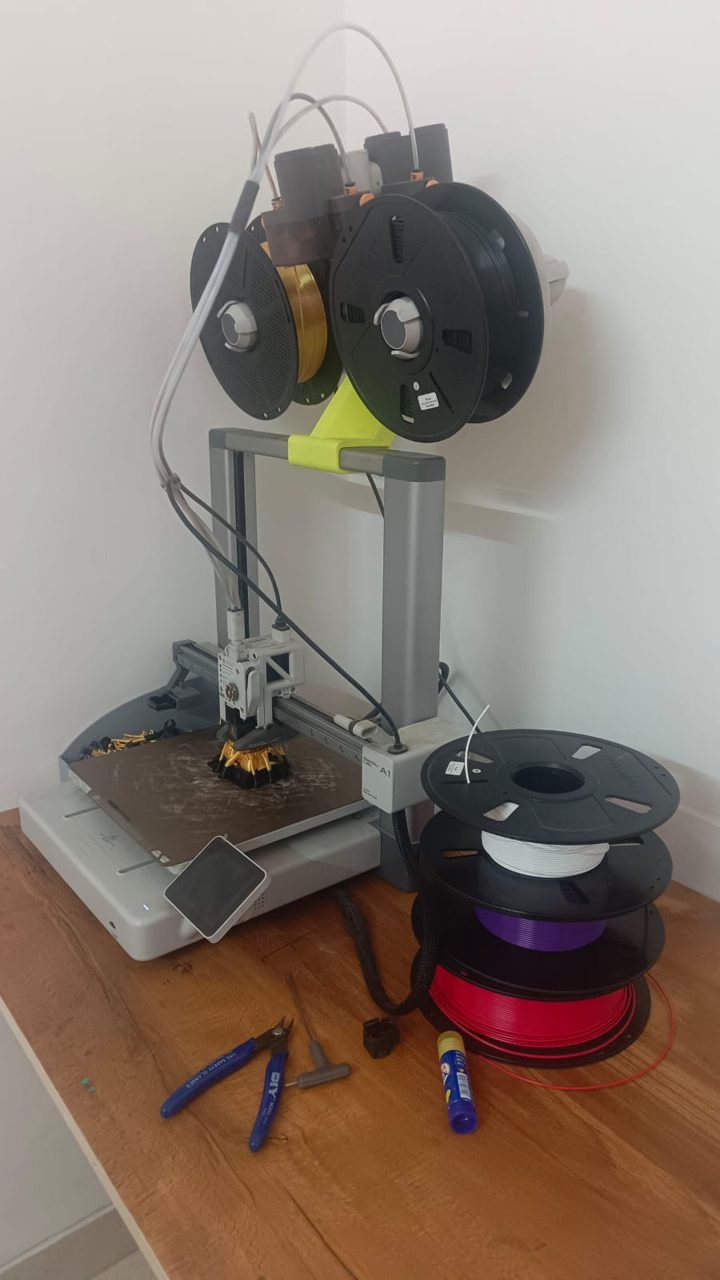
| Feature | Bambu Lab A1 | Bambu Lab A1 mini |
|---|---|---|
| Build volume | 256 × 256 × 256 mm | 180 × 180 × 180 mm |
| Max speed | 500 mm/s | 500 mm/s |
| Nozzle temperature | Up to 300°C | Up to 300°C |
| Bed temperature | Up to 100°C | Up to 80°C |
| Multi-colour | AMS lite (4 colours) | AMS lite (4 colours) |
| Monitoring camera | Built-in (1080p) | None |
| Noise | ~49 dB | ~48 dB |
| Best for | Bigger prints, more headroom | Beginners, compact spaces |
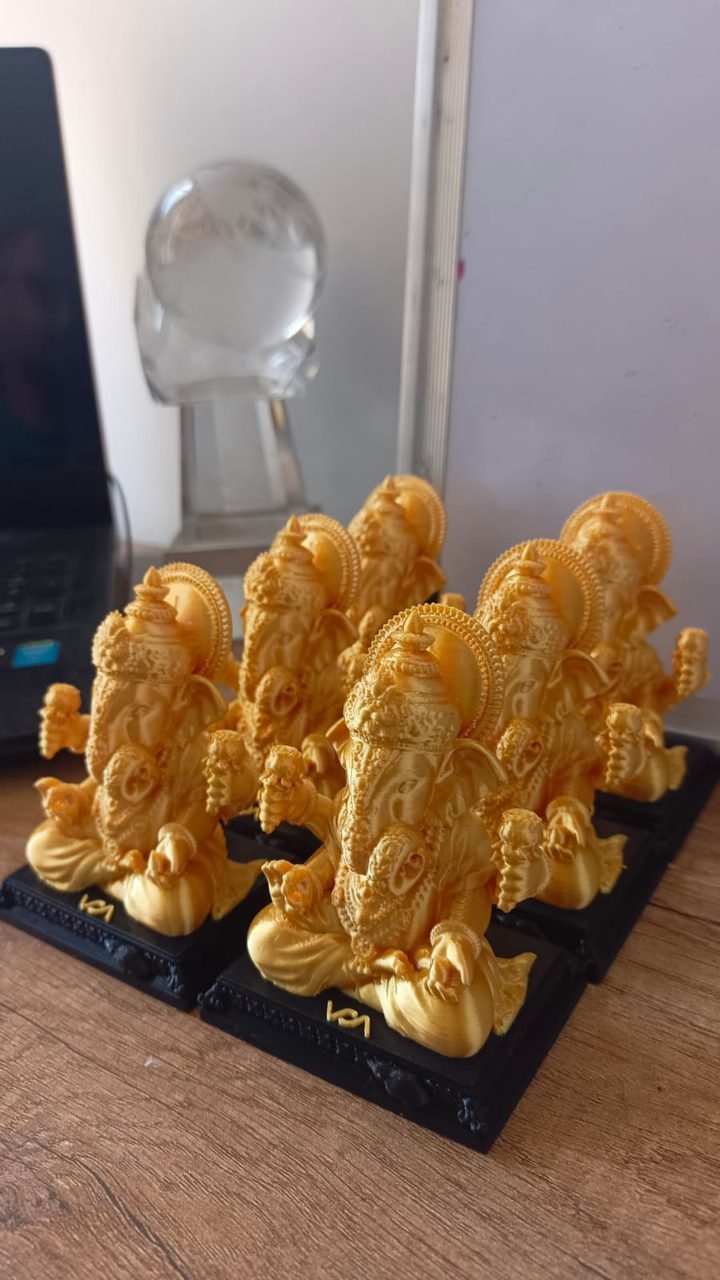
This is the whole decision. The A1 gives you a 256 × 256 × 256 mm print area. The A1 mini gives you 180 × 180 × 180 mm — which sounds close, but the A1 actually has more than double the usable volume. In real terms, the A1 mini is ideal for miniatures, phone stands, small toys, brackets and tabletop figures, while the A1 can handle a wearable helmet, large cosplay props, or several smaller parts at once in a single job.
If you ever expect to print bigger, the A1 saves you from slicing models into pieces and gluing them back together — which is fiddly and leaves visible seams.
Almost everything else. Both printers calibrate themselves with no manual bed levelling, both run quietly enough to sit on a desk, and both reach the same fast speeds with excellent quality. Both also work with Bambu's AMS lite, so either one can do up to four-colour prints if you add it. You don't get better prints by picking one over the other — only a bigger or smaller bed.
A few minor things separate them. The full-size A1 has two vertical supports for stability on its larger frame, while the A1 mini uses a lighter single-arm design that keeps it compact. The A1 takes up more desk space and costs more; the mini's small footprint makes it a great second printer to run alongside another machine. For everyday printing, neither difference changes the experience much.
One honest note: early A1 units had a heatbed cable fault that led Bambu Lab to issue a recall and a fix. Current A1 printers ship with a reinforced cable, so a newly bought unit isn't affected — just buy from current, sealed stock.
Choose the Bambu Lab A1 mini if you mostly print small items, you're short on space, or you simply want the lowest-cost, lowest-fuss way into 3D printing. It does 90% of what most hobbyists actually print.
Choose the full-size Bambu Lab A1 if you want headroom — bigger prints in one piece, larger props, fewer multi-part jobs. And if there's any chance you'll sell prints or take commissions, the larger bed is the smarter long-term buy.
Prices move often, so check the latest on each printer's page before deciding — sometimes the gap is small enough that the A1 is the easy pick, and sometimes the mini's lower price decides it.
Read our full reviews and current pricing for each:
Bambu Lab A1 review → · Bambu Lab A1 mini review →
See all our 3D printer picks → · FDM vs resin: which type is right for you?
What is the main difference between the A1 and A1 mini?
Build volume: the A1 prints up to 256 × 256 × 256 mm while the A1 mini is 180 × 180 × 180 mm. The A1 also adds a built-in camera and a higher 100°C bed.
Do both support the same AMS lite multi-colour system?
Yes — both work with the AMS lite for up to four colours.
Is the A1 mini fast enough compared to the A1?
Yes — both reach 500 mm/s; the A1 mini simply has a smaller build area.
Is the A1 mini's build size big enough?
For most beginners, yes. Its 180 mm bed handles miniatures, models, small functional parts and everyday prints comfortably. You'll only feel limited if you want large single-piece prints like helmets or big props.
Can both printers do multi-colour prints?
Yes. Both the A1 and the A1 mini support Bambu's AMS lite add-on, which lets either machine print in up to four colours. You can buy it with the printer or add it later.
Which is better for starting a 3D printing business?
The full-size A1. Its larger bed lets you print bigger items and fit more parts per job, which matters when you're fulfilling orders. If you're only making small items, the A1 mini can still work as a low-cost starting point.
