Disclosure: ReviewsTrusted may earn commissions from qualifying purchases made through links on this page. Our opinions remain independent and based on our research and evaluation process. Learn more.
Published: June 2026 · By the ReviewsTrusted team
Most 3D printing problems are not really printer problems. They are first-layer problems, filament problems, or a setting left on a default that does not suit what you are making. After a few years of running machines daily in a Pune workshop — through dust, monsoon humidity and the odd power cut — the same handful of fixes solve the overwhelming majority of failed prints. This guide collects the tips and Bambu Lab settings I actually use, in the order they matter.
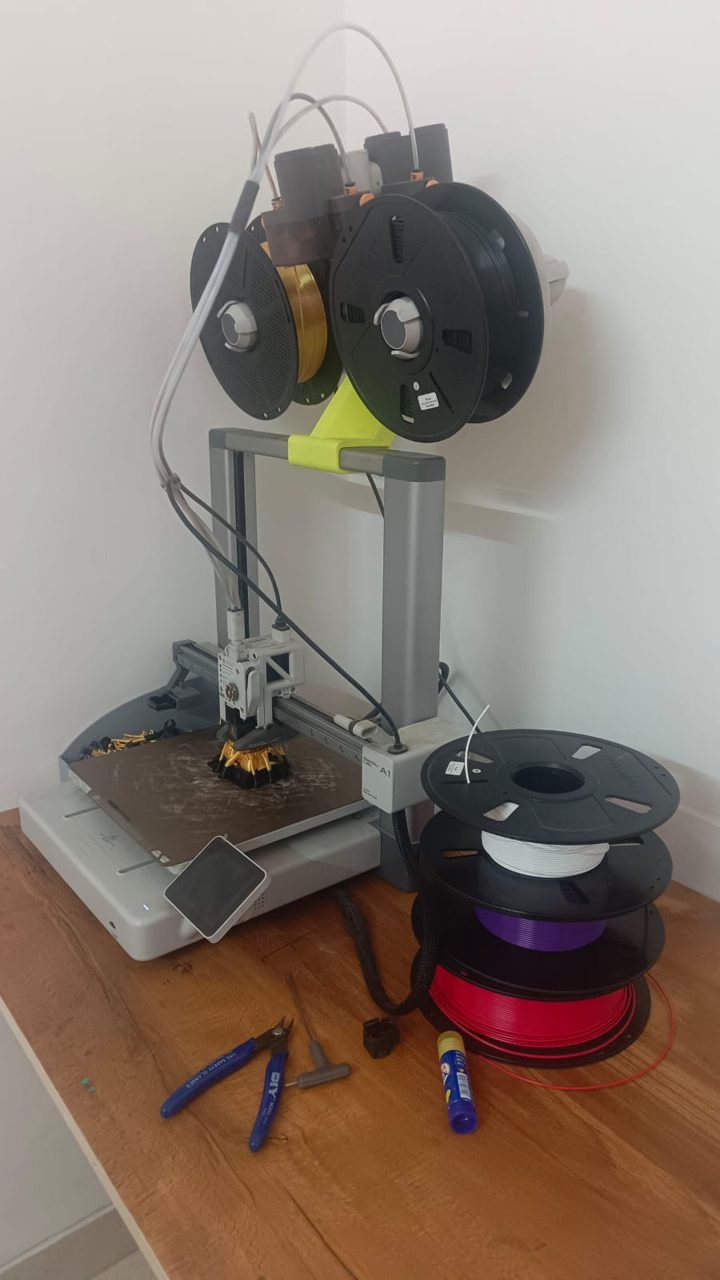
If the first layer goes down clean and flat, most of the print is already won. Get it in this order and you will rarely fight adhesion again.
Wipe the build plate with isopropyl alcohol before a print. Oils from your fingers are invisible and stop filament gripping. On a textured PEI plate, clean PLA usually needs no glue at all.
The first layer should look slightly flattened, not a row of round sausages. Nudge the nozzle a touch closer if lines do not join; back it off if the plate looks scraped or smeared.
Drop the first-layer speed to roughly 20 to 30 mm/s. A slow, well-stuck base buys you the speed back on every layer above it.
Use the right plate temperature for the material — around 55 to 65°C for PLA, hotter for PETG — and a brim for tall or small-footprint parts that want to lift.
The Bambu machines do a lot for you — they auto-level and run their own flow and pressure routines, so you can print well straight out of the box. These are the few settings worth touching once you want consistently sharper results.
Run the flow-rate calibration in Bambu Studio when you switch to a new brand. It sharpens top surfaces and accuracy. Once per filament type.
Pick the profile to suit the job: a fast 0.28 mm draft for functional parts, 0.12 mm fine for detail. Do not run everything on max.
Use tree supports for organic shapes to save filament and cleanup, and add a brim for anything tall or tippy.
If you run the AMS, keep an eye on its humidity reading and dry spools before big jobs — especially in the monsoon.
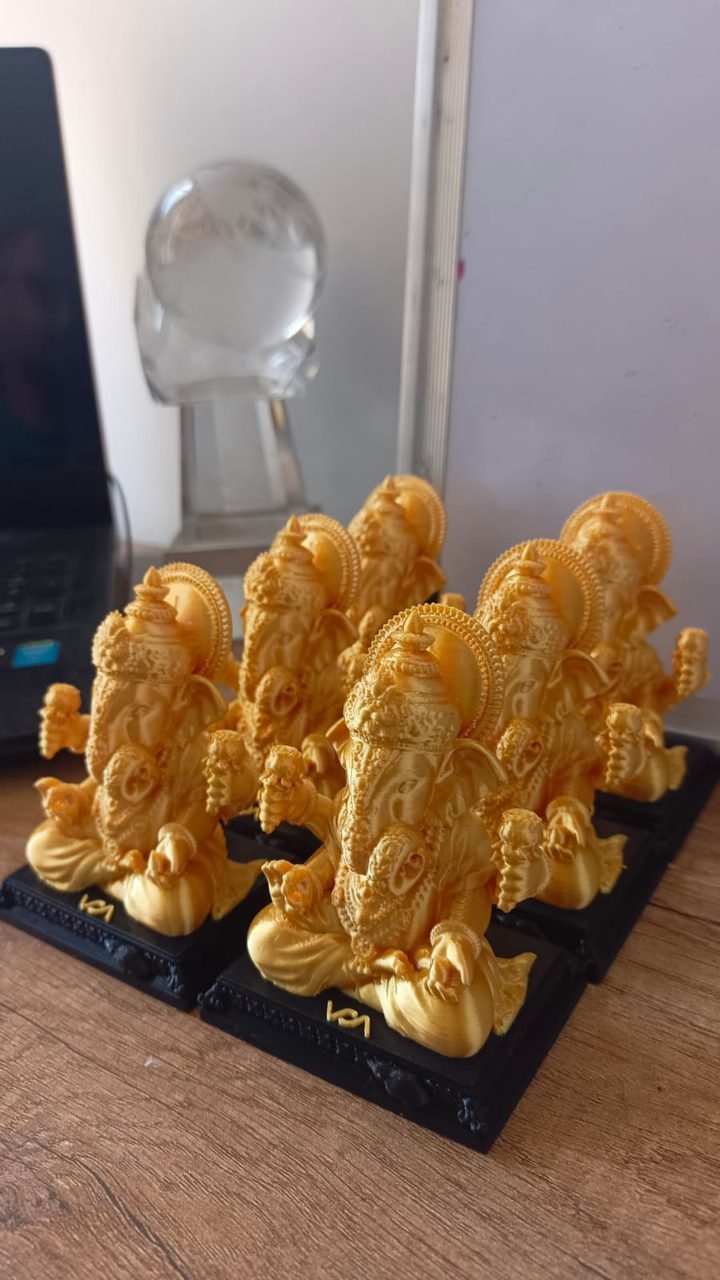
Those fine hairs strung between parts are almost always two things, in this order: wet filament, then retraction. Dry the spool first — a cheap filament dryer or a few hours in a food dehydrator does it — because no setting fixes a damp roll. Then make sure retraction is enabled and that your nozzle is not hotter than it needs to be. Dropping the temperature by 5 to 10 degrees and printing a quick temperature tower will show you the cleanest setting for that exact filament. For smoother walls, slow the outer wall speed a little and make sure cooling is on for PLA.
Warping — corners curling up off the plate — comes from uneven cooling, and it gets worse with bigger parts and materials like PETG and ABS. Keep the plate clean and at the right temperature, add a brim to hold the edges down, and avoid a draughty fan or open window blowing across the print. For stubborn materials an enclosure helps by keeping the chamber warm and still. A thin layer of glue stick is a reasonable backup on a worn plate, but a clean PEI surface usually does the job for PLA on its own.
Speed is mostly about asking for less detail where it does not matter. For functional, hidden or chunky parts, raise the layer height to 0.28 mm, keep walls to two perimeters where strength allows, and drop infill to 10 to 15 percent with a grid or gyroid pattern. Save the fine 0.12 mm layers and dense infill for display pieces and things that must be strong. On a modern, well-tuned machine you can also lift the profile speed — just change one variable at a time so you can see what actually helped rather than guessing.
A few things matter here that the global tutorials skip. Treat filament as something that quietly drinks moisture from humid air: store spools in airtight boxes or vacuum bags with silica gel, and dry any roll that has been sitting out before a long job. PLA is forgiving, but PETG, nylon and TPU go bad fast in monsoon air. Dust is the other quiet enemy — keep the printer covered when idle so grit does not work into the rails. And if your area gets power cuts, putting the printer on a UPS means a long overnight print is not lost to a five-minute outage. These small habits prevent far more failed prints than any slicer tweak.
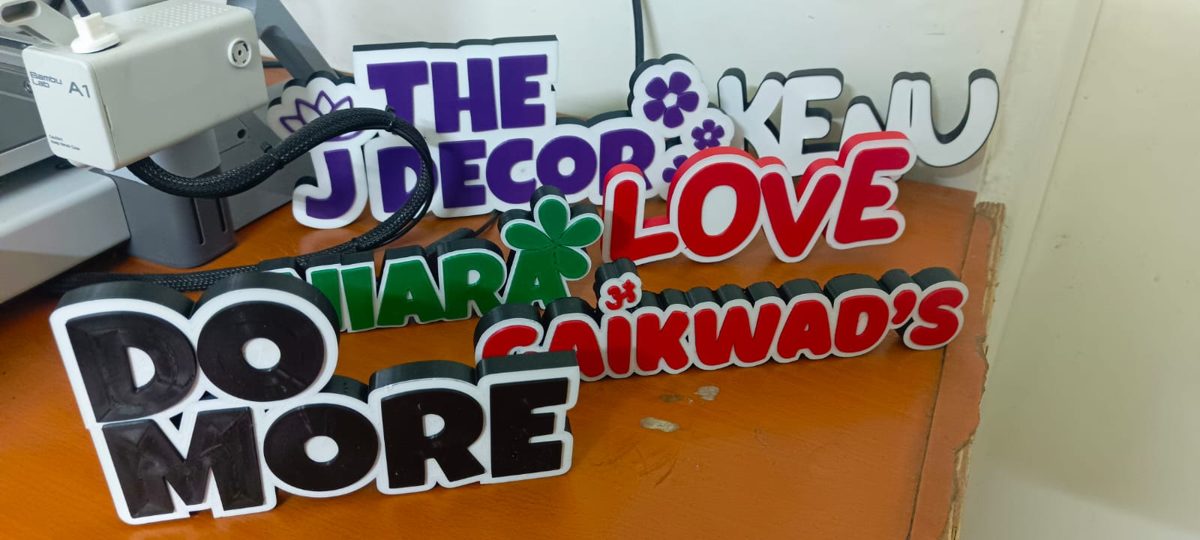
Five minutes of upkeep saves hours of troubleshooting. Wipe the build plate before prints, keep the nozzle tip clean, and check that belts feel taut rather than slack. Lightly lubricate the rails or rods now and then so movement stays smooth, and clear any dust from fans. If quality suddenly drops on a printer that was fine yesterday, suspect a partially clogged nozzle or wet filament before you start changing settings — those two account for most "the printer broke overnight" surprises.
You can apply every tip above on almost any machine, but a self-calibrating printer removes a lot of the guesswork — which is exactly why I keep coming back to these. Prices move week to week, so we link straight to the live Amazon listing.
Fast, quiet and fully self-calibrating with a 256mm bed, and AMS-ready for multi-colour. It handles the first-layer and flow-calibration tips above almost automatically, which is why it is the machine I recommend to most people.
The same hands-off experience in a smaller, cheaper body with a 180mm bed. Ideal for a tight workshop corner or a first printer, and it follows every setting tip here the same way the A1 does.
An enclosed CoreXY that keeps the chamber warm and still — which is exactly what the warping and adhesion fixes above ask for when you move to PETG or ABS. Faster and steadier for serious or higher-temperature work.
Why is my 3D print not sticking to the bed?
Almost always one of three things: a dirty plate, the nozzle starting too high, or printing the first layer too fast or too cool. Wipe the plate with isopropyl alcohol so finger grease is gone, tune the Z-offset until the first layer looks slightly squished rather than round, and slow the first layer to around 20 to 30 mm/s. On a textured PEI plate most PLA needs no glue at all once those three are right.
How do I stop stringing and those fine hairs between parts?
Stringing is usually wet filament first and retraction second. Dry the spool (a cheap filament dryer or a few hours in a food dehydrator works), then make sure retraction is enabled and the nozzle temperature is not higher than it needs to be. Dropping the temperature by 5 to 10 degrees and printing a quick temperature tower tells you the cleanest setting for that exact roll.
What layer height should I use?
For everyday prints 0.2 mm is the sweet spot between speed and looks. Drop to 0.12 or 0.08 mm only when fine detail matters, like miniatures or smooth curved surfaces, and accept that it will take much longer. Go up to 0.28 or 0.3 mm for big, chunky functional parts where strength and speed beat surface finish.
Do I need to calibrate flow and pressure on a Bambu Lab printer?
The Bambu machines auto-level and run their own flow and pressure-advance routines, so you can print well out of the box. The one calibration worth doing yourself is per-filament flow-rate tuning in Bambu Studio when you switch to a new brand of filament, because it sharpens top surfaces and dimensional accuracy. It takes a few minutes and you only do it once per filament type.
How do I store filament during the Indian monsoon?
Treat filament as something that quietly absorbs moisture from humid air. Keep spools in airtight boxes or vacuum bags with silica gel between prints, and dry any roll that has been sitting out before a big job. PLA is fairly forgiving, but PETG, nylon and TPU go bad fast in monsoon humidity, and wet filament is the hidden cause of most stringing and weak, brittle prints.
How can I make prints faster without ruining the quality?
Raise the layer height to 0.28 mm for parts that do not need a fine finish, keep walls to two perimeters where strength allows, and use a lower infill like 10 to 15 percent with a grid or gyroid pattern. On a modern, well-tuned printer you can also lift the speed in the slicer profile. Change one thing at a time so you can see what actually helped.
Compare FDM and resin picks across budgets, all reviewed in India.
Browse all 3D printers →